
Future-Ready Teaching Starts Here
Logics Academy, in collaboration with Microsoft Elevate, is bringing you Microsoft AI for Education resources, built for educators and school leaders ready to lead the future of teaching. Gain practical, classroom-ready tools through multiple AI-powered learning opportunities—while earning a globally recognized Microsoft credential that showcases your expertise and commitment to innovation in education.
Microsoft Copilot Professional Learning
Professional Copilot Learning for AI‑Enabled Education Teams
This professional learning experience meets education professionals wherever they are on their AI journey. Through role‑specific Microsoft Copilot training, participants explore practical, ethical, and classroom‑ready applications that support teaching, learning, leadership, and operations, helping teams work more efficiently and with greater confidence.
Each pathway is tailored to real responsibilities and day‑to‑day workflows.
Explore Training by Role:
What this session helps you do
Use Microsoft Copilot responsibly to support learning, organization, creativity, and communication at school.
What you’ll explore
Students learn how to customize Copilot settings to support their individual learning needs and daily school tasks, including clarifying instructions, organizing ideas, drafting and revising writing, and planning projects. Participants practice effective Copilot Chat prompting and use Create to generate visuals, infographics, presentations, and other multimodal content. The session emphasizes quality checks, safe use, and appropriate attribution. Students are also introduced to agents and explore how they can support recurring learning workflows such as studying, writing revision, and project planning.
What this session helps you do
Reduce planning time, support diverse learners, and strengthen day‑to‑day instructional practice.
What you’ll explore
This session focuses on lesson and unit planning aligned to curriculum standards, incorporating differentiation strategies to support diverse learners and IEP goals, planning targeted interventions and enrichment activities, and designing assessments such as rubrics, formative checks, and feedback. Participants also explore how Copilot can support data interpretation to inform instruction. Educators are introduced to Copilot agents as shared, reusable tools that support consistent instructional planning, shared resources, and grade‑ or department‑level workflows, with clear guidance on responsible use within school teams.
What this session helps you do
Save time, improve clarity, and strengthen school‑level leadership across competing priorities.
What you’ll explore
Participants learn how to tailor Copilot to leadership responsibilities, communication needs, and school improvement priorities. The session focuses on drafting and refining communications, summarizing key information, preparing for conversations, streamlining meeting preparation and follow‑up, and turning notes into actionable next steps. Leaders explore how to use Create and Teach to develop staff‑facing resources, templates, slides, and learning supports, as well as how to analyze school data to inform planning. The session introduces agents as tools for sustaining leadership workflows such as weekly updates, meeting agendas, improvement‑plan monitoring, and recurring communications.
What this session helps you do
Strengthen system‑wide implementation, reduce duplication, and support coherent instructional improvement across schools.
What you’ll explore
Participants learn how to customize Copilot settings and build reusable prompting routines aligned to portfolios, priorities, and the teams they support. The session highlights high‑impact Microsoft 365 workflows that streamline communication, planning, facilitation, and resource development. Participants explore Create and Teach to produce system‑aligned content such as slide decks, templates, infographics, videos, and learning resources. A dedicated focus on agents shows how repeatable workflows, coaching cycles, rollout communications, PL planning, and resource refresh routines—can be sustained and shared across teams.
What this session helps you do
Reduce workflow burden, improve efficiency, and accelerate high‑quality professional output.
What you’ll explore
This session focuses on role‑specific use cases such as drafting documents and policies, summarizing data, preparing reports, managing communications, and supporting projects across Microsoft 365. Participants learn how Copilot can eliminate repetitive tasks and enable greater focus on strategic and relational work. The session also introduces agents, explaining how they differ from Copilot Chat and how shared agents can automate recurring processes, support consistency, and improve efficiency across departments.
What this session helps you do
Support strategic planning, data‑informed decision‑making, and alignment to system‑level priorities.
What you’ll explore
Participants examine how Microsoft Copilot can be used to analyze data, synthesize reports, and generate insights that inform instruction, operations, and long‑term planning. The session connects Copilot use to board and district objectives, supporting retention, achievement improvement, and organizational coherence. Leaders explore stakeholder communication, planning documents, and initiative alignment. A dedicated segment focuses on agents as scalable leadership tools that support consistent reporting, decision‑making, and shared practices across leadership teams.
What this session helps you do
Work more efficiently across reading, research, writing, studying, and project management, while maintaining academic integrity.
What you’ll explore
Participants learn how to customize Copilot settings and build reusable prompts aligned to coursework, program outcomes, and academic priorities. The session focuses on breaking down complex instructions, organizing notes, generating study supports, drafting and refining writing, and turning dense content into accessible summaries. Participants use Create to produce presentations, visuals, and multimodal artifacts, while practicing quality checks for accuracy andalignment tocriteria. The session also introduces agent creation to support recurring academic workflows such as studying, research organization, practicum planning, and lesson design for teacher candidates.
What this session helps you do
Use Microsoft Copilot to streamline teaching, research, and operational work while strengthening inclusive practices, academic integrity, and long‑term efficiency across higher education roles.
What you’ll explore
This session supports the diverse and interconnected roles within higher education by showing how Microsoft Copilot can be customized to align with teaching goals, course content, research needs, operational responsibilities, and program outcomes. Faculty and instructional staff explore how Copilot can support course design, lesson and assessment development, differentiation strategies, and inclusive practices that reduce barriers while increasing access, clarity, and engagement for all learners. Participants also examine responsible use cases that enhance academic integrity and student success.For business and administrative teams, the focus shifts to workflow optimization—reducing redundancy, streamlining communication, and improving productivity through Copilot’s integration with Microsoft Teams and the broader Microsoft 365 ecosystem. Across all roles, participants are introduced to Copilot agents, learning how they differ from Copilot Chat and how shared agents can support recurring academic or operational tasks, promote collaboration, and scale consistent practices across faculties, programs, and departments.
Designed for Real Education Needs

Flexible Delivery
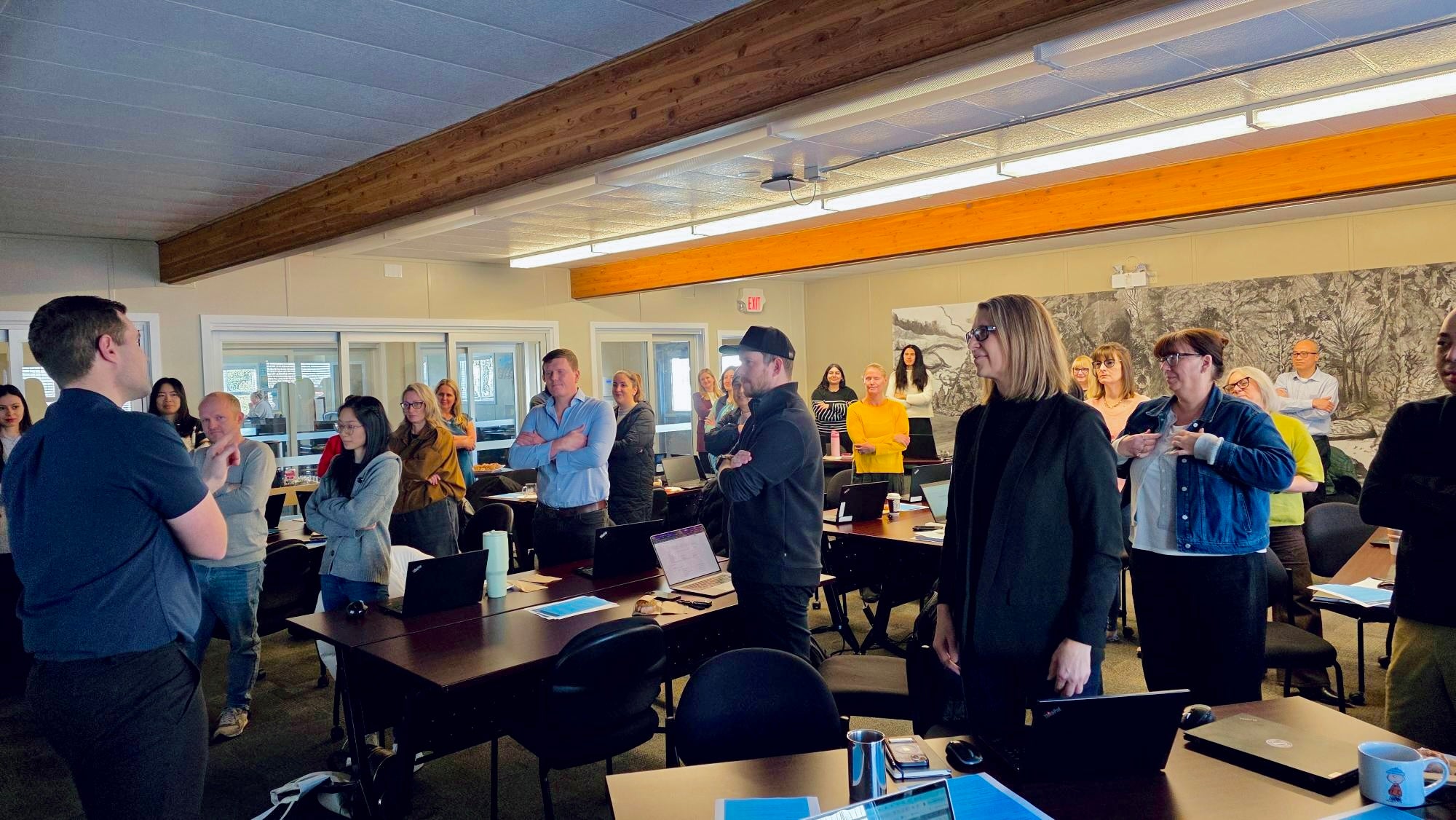
Designed to fit your schedule and context, sessions are offered in‑person or virtually through live, interactive delivery. Every experience is facilitator‑led and engaging, allowing participants to ask questions, explore real examples, and apply Microsoft Copilot in ways that feel practical and relevant to their work.
Flexible Learning Formats
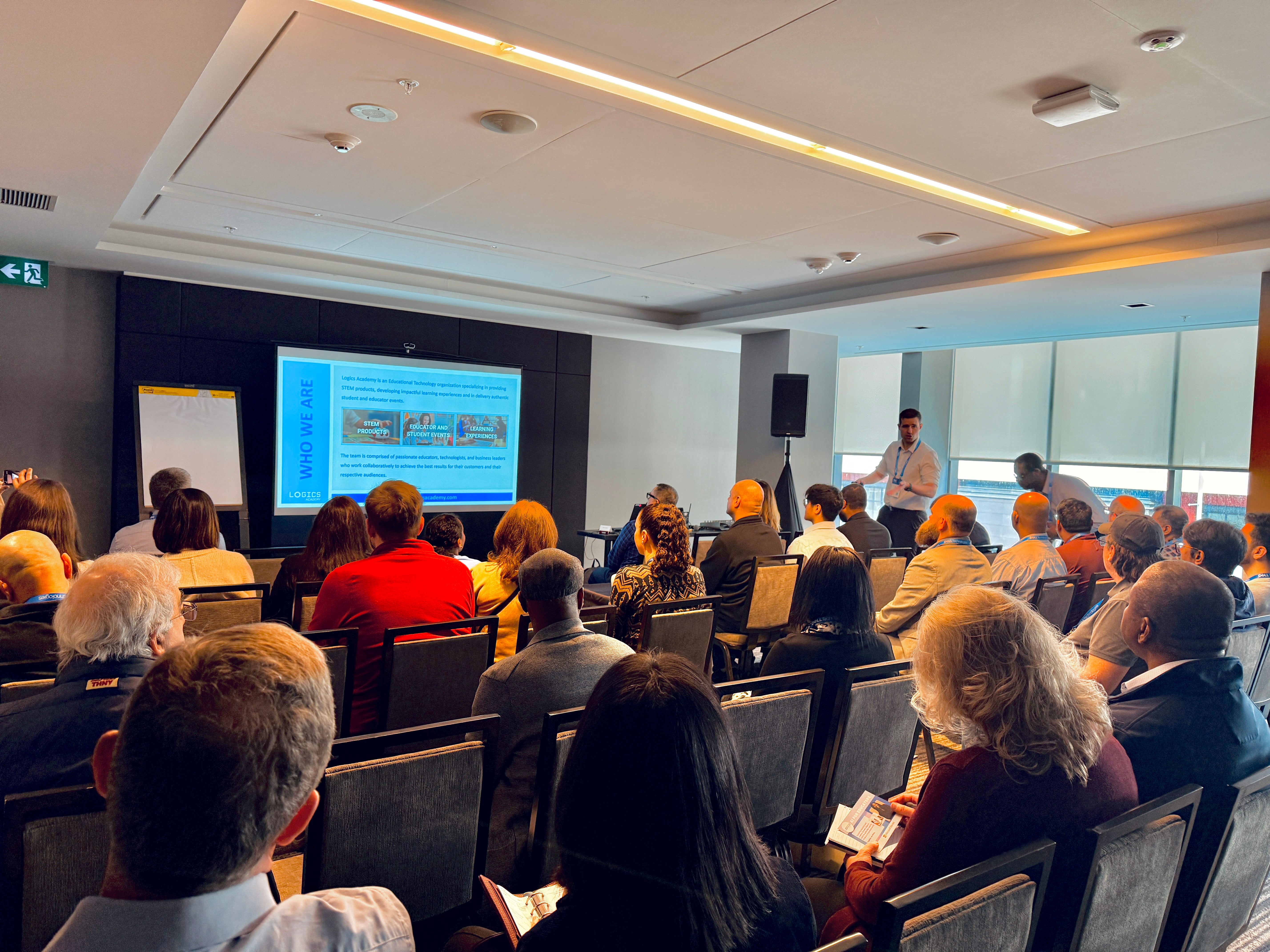
Sessions are available in multiple formats to meet your needs, including focused 1‑hour introductions, in‑depth half‑day workshops, and full‑day training experiences available upon request. This flexible structure ensures learning is purposeful, manageable, and aligned to your team’s goals and available time.
Practical, Role‑Based Design
Built around real roles and responsibilities, with a clear introduction to AI, what it is, what it isn’t, and why it matters.
Participants learn to customize Microsoft Copilot, use it across Microsoft 365, and understand when to use Copilot Chat versus agents.

The Foundations of AI in Education Course
This course helps K–12 educators understand and confidently apply AI tools to enhance lesson planning, differentiation, and classroom efficiency. Through practical examples and safe, ethical strategies, participants learn how to use platforms like Microsoft Copilot to support teaching while protecting student privacy and strengthening professional judgment.
By completing this course, you become eligible to receive your Microsoft AI Credly badge.

Earn an Achievement Certificate
Complete any of Logics Academy’s AI-related trainings and a short follow-up survey, and you’ll qualify to receive the Logics Academy and Microsoft AI Certificate. In addition, you will receive an opportunity to apply for the Microsoft AI Credly badge highlighting your expertise and commitment to future-ready learning.
Every program counts! Whether you join a Copilot PD workshop or explore another AI-related program, each one builds your skills and brings you closer to certification.